

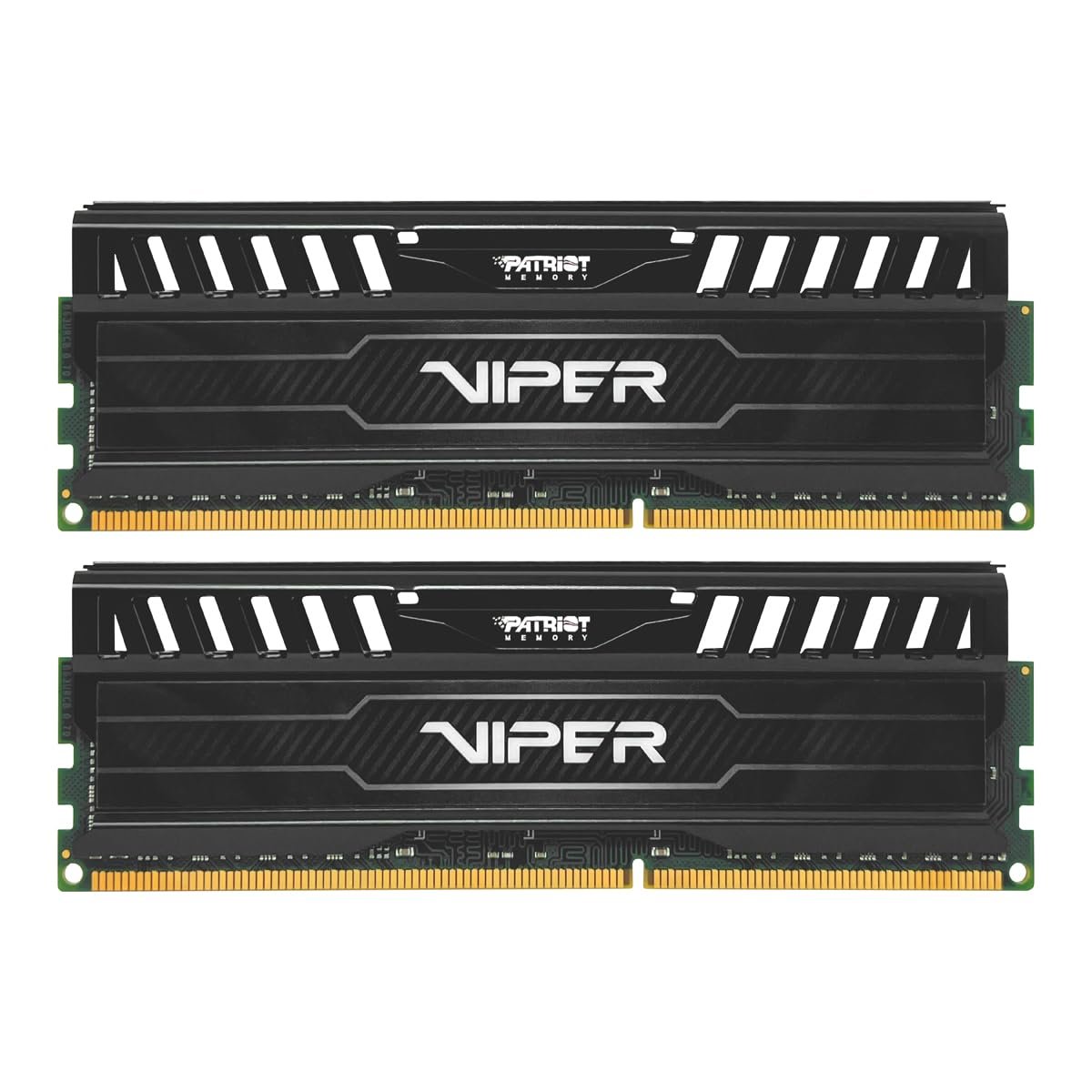

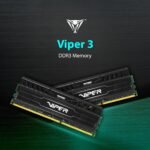
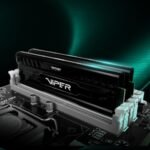


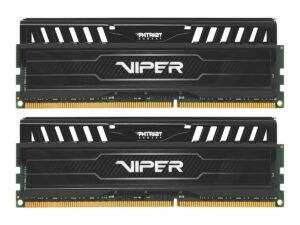
Patriot Memory 16GB(2x8GB) Viper III DDR3 1600MHz (PC3 12800) CL9 Desktop Memory with Black Mamba Heatsink PV316G160C9K
Original price was: ₹4,800.00.₹121.00Current price is: ₹121.00.
Price: ₹4,800 - ₹121.00
(as of Dec 03, 2025 23:22:41 UTC – Details)
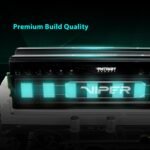
Patriot Memory’s Viper 3 Series memory kits are designed with true performance in mind. Tested and compatible with Intel’s and AMD’s DDR3 compatible processors and chipsets, The Viper 3 series provides the best performance and stability for the most demanding computer environments. The Viper 3 series utilizes a custom designed high performance heat shield for superior heat dissipation to ensure rock solid performance even when using the most taxing applications. Built from the highest quality Build of Materials, Patriot Memory’s Viper 3 Series memory kits are hand tested and validated for system compatibility. Available in dual and quad channel kits, 8GB, 16GB and 32GB Kits, Patriot Memory’s Viper 3 Series will be offered at speeds from 1600MHz up to 2133MHz at 1.5 volts and are XMP 1.3 ready. Hand tested for quality assurance, the Viper 3 series is backed by a lifetime warranty.
Capacity 16gb (2 x 8GB) Kit
NON ECC Unbuffer DIMM Pin Out 240 Pin
Base Frequency PC3 12800 (1600MHz)
XMP Timings 9 9 9 24
Customers say
Customers find the memory sticks to be of good quality and working well, with one mentioning they perform well with marginal overclocking. Customers also appreciate the great price.








Nario –
Good quality ram
Needed this for an old i7 gen 3 system and both sticks work without any issues. Value for money !n
OsamA –
Good product and working well
It’s good product and working well
Gurinder Brar –
Excellent Product.
PC Fly After Installation. Great Product
Noel Joseph –
One of the best ones.
Works flawlessly as intended with advertised speed, compatibility along with dual channel configuration and XMP functionality. As per looks, with the heatsink, it looks durable keeping the temperature of dimms under control. All in all, the perfect pair in an affordable price.
Abhijit S. –
Good
Working good as dual channel till now.
Abhi22 –
Awesome product as great price
Ram sticks were good & manufactured in 2024 so new too but the seller packaged it badly in its own box. They should be more careful when shipping such a delicate component like Ram. But Amazon’s packing standard is going down lately as I’ve been shopping with you since 2016.Got them in 1.5k kudos to Amazon.
Vyom –
Good 👍🏻
Comes in good condition and packing
Manish –
Works well with marginal overclocking
Working well
Shelton –
Fair
Purmale –
5/5 – 100%. I initially had doubts seeing this low price for 9-9-9-24. However, no issues so far and memtest86 shows 0 errors after 4 cycles (almost 3 hours). See images attached to this comment.Friendly advice – make sure the memory your are buying fits your computer and is compatible with it, this will save you some some and nerves. Things to check:- DDR GenerationThe RAM’s DDR generation (e.g., DDR4, DDR5, DDR3) must match the motherboard’s supported generation; you cannot put DDR5 RAM into a DDR4 motherboard or vice versa.- Form FactorDesktop PCs use DIMM (Dual In-line Memory Module) RAM, while laptops use the smaller SO-DIMM (Small Outline DIMM) form factor. A DIMM stick will not fit in a laptop’s SO-DIMM slot, and vice versa.- Motherboard SpecificationsCheck the motherboard’s manual for the number of memory slots and the supported memory configurations (e.g., single, dual, quad-channel).- Speed and TimingThe RAM’s speed (MHz or MT/s) and latency (CL) should be compatible with the motherboard and CPU. While many motherboards can run RAM at a default slower speed, their compatibility is crucial for reaching the RAM’s advertised performance.- CPU CompatibilityThe CPU works closely with the RAM, so they must be compatible. Check the motherboard’s specifications for the CPU it supports, and then select RAM compatible with both.- Physical ClearanceLarge, tall CPU coolers may physically block RAM slots, preventing the installation of RAM with tall heat spreaders. Measure the available space or check specifications to ensure no interference.
Ersin S. –
Bilgisayarım için 2 tane sipariş verdim toplam 32gb. Asus x79 Anakartımda sorunsuz çalıştı,Anakartın resmi destek sitesinden, ram desteğine baktığımda bu ram tabiki gözükmüyor, alırken tereddüt ettim. Ürünün Amazon Global yorumlarını okuyunca, herkesin uyumlu olduğunu belirtmiş. Genel bir standartta üretilmiş. XMP profiller mevcut. Corsair ramlerimi söküp direk 4 modülü takdım. Önceki ramlerim 2400mhz’de çalıştığı için anakart kendini açmadı ilk. Eski ram’i takıp, Bios’daki XMP’yi iptal edip Auto moduna aldım ve yeni ramleri takdım. Anakart sorunsuz bilgisayarı açtı, Bios’a girip yeni ramlerin XMP’sini aktif ettim, artık 1600mhz’de XMP profili ile çalışmaya başladı. Eğer düşünüyorsanız bu ürünleri kesinlikle almanızı öneririm.
Bart –
Ever stream something online, like a lengthy Formula 1 race, and within minutes your PC begins to lag? The stream is no longer fluid, you are unable to perform other tasks on your PC? Matter of fact, you have to turn off any other running programs less important to you than the competitive spectacle unfolding before you, just to make the experience pleasant. Even any additional tabs on Firefox or Chrome have to be eliminated to prevent your stream from skipping like a school child to gym class or recess.Well NOT ANYMORE. Ditch that 8GB of RAM and welcome yourself and your outdated system to 2023 and beyond. You can once again proudly hold your head up high when replying to friendly inquiries about your RAM capacity, replacing shame with mild pride. You tell them that you no longer have to perform a solitary task at any given time, like a single core CPU of the 1990’s because you have doubled, yes…DOUBLED your memory’s amplitude, allowing you to stream, browse websites by moving and scrolling until carpal tunnel sets in or you are forced to relinquish the mouse in favour of Haagen Dazs.”But what do I say if the interrogations demand reasoning for continued usage of a DDR3 platform???”, you may ask. Well, you just look your interrogator straight in the eyes and you tell them, “…I like to live dangerously.” Develop a smug smirk with your lips, maintain their gaze emphatically, and ask, “……Any more stupid questions?”These modules are a brilliant and efficient way of improving older systems and prolonging life span. For basic daily function, there is absolutely no reason to purchase an entirely new system when DDR3 provides exceptional service in this realm. That includes gaming………on older titles, of course. You want to have the grandest 4K experience in newest titles because you’re allergic to sunlight and human contact, simply increasing memory to 16GB on your circa 2012 personal computer will not cut it, or anything else.BUT…to those pestering you about how much more performance you can have for browsing with newer systems, you tell them to take their DDR4 and DDR5 propaganda to the white house. Because money doesn’t grow on trees, right??? It……..well, it’s made on the internet and electronically transferred to your bank account by your employer. Yeah, think about that the next time you make a purchase with a card.The only drawback of these modules…… Not the performance. Not the cost… Give up??? Ok, it’s the aesthetics. The heat spreaders look fine. But the module PCB is green, not black. I also bought another set of these but at 1866 MT/s and it was the same thing. Not a deal breaker given the performance uplift and they’re hardly visible. Would just have been nice if the entire module was black…you know?…….. Anyway. I highly recommend these. After approaching a year of use on an older system (i5-2500K and EVGA GTX 560 Ti) these work great at specified speed of 1600 MT/s and complement existing components very well. And I routinely avoid the humiliation of having an 8GB secondary system. Yeah, let’s see you make fun of me NOW……mom!!!
TomEdem –
Bonjour,Cette RAM est conforme à ce que l’on peut attendre de ce produit. J’ai lu que certains disaient que c’était du 800 Mhz, c’est vrai sauf que le système XMP 2.0 de ces barrettes (signifie eXtreme Memory Profile et est une technologie créée par Intel pour vous permettre de régler votre RAM aux spécifications de boost, d’overclocking x2) soit 800 Mhz x 2 = 1600 Mhz. Pour les configuration Micro-ATX attention à la hauteur de radiateur des barrettes, cela peut gêner si vous avez un Noctua 12 (assez imposant, suffit de décaler le ventilateur en dégrafant le clips métallique, le ventilateur est maintenu dans un rail.Autrement, mieux vaut, mettre de la mémoire RAM à son maximum, surtout pour nos système LGA 1155/56, etc…° qui date un peu que de changer de processeur. Assurez-vous simplement de la capacité admise par votre CM (Carte Mère). Si vous pouvez monter à 32 Go n’hésitez pas, ça va vous changer la vie, question jeux et applications gourmandes ! Vous bénéficiez en plus de la version 2.0 du système XMP. Le rapport qualité/prix est remarquable !Eden