

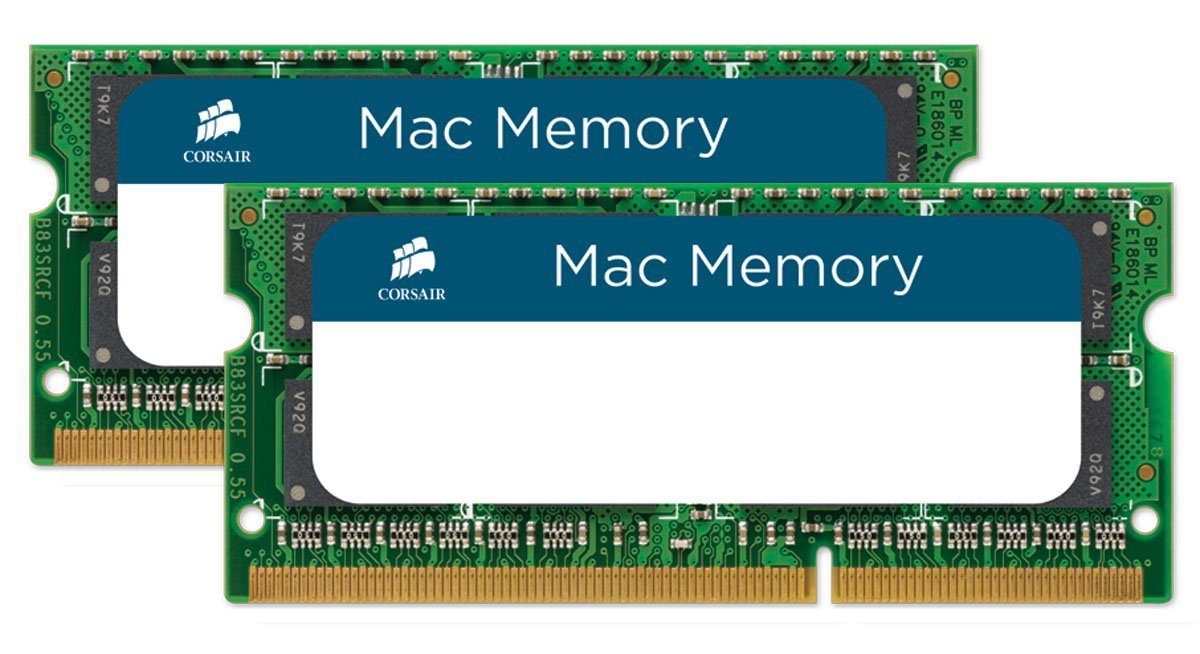
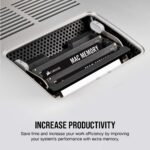

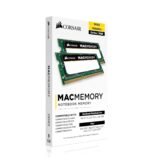


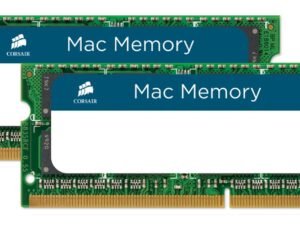
Corsair CMSA8GX3M2A1066C7 8GB Dual Channel Mac Memory Kit
Original price was: ₹10,252.85.₹9,278.00Current price is: ₹9,278.00.
Price: ₹10,252.85 - ₹9,278.00
(as of Jan 20, 2026 01:34:08 UTC – Details)
From the manufacturer
Corsair Mac Memory Upgrade Kits: Guaranteed Performance, Compatibility, Support
Corsair’s 4GB and 8GB Mac memory upgrade kits will help your system work better. With hassle-free compatibility and renowned Corsair reliability and support, they’re a smart performance investment.
One of the best ways to improve your Mac’s performance
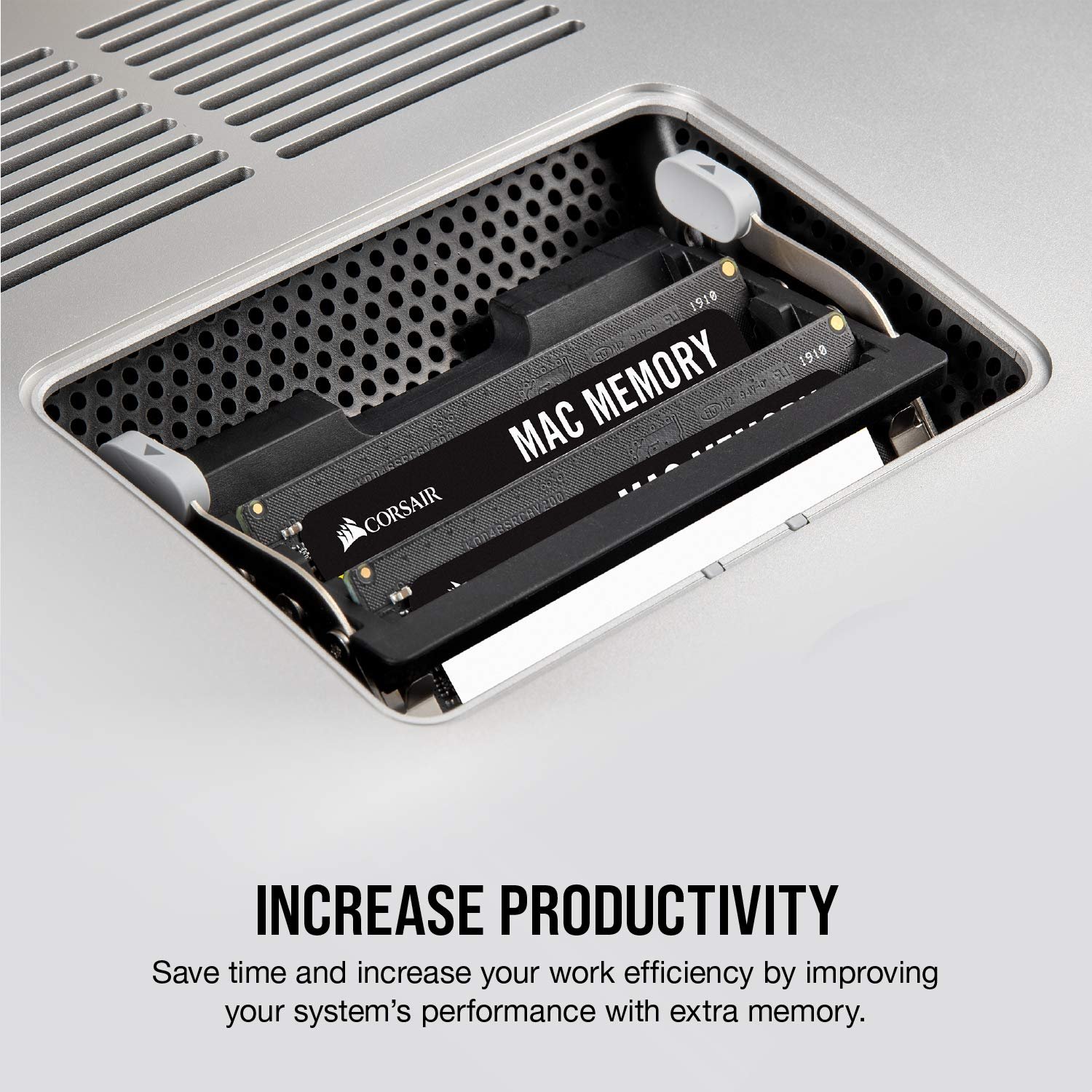
Applications use memory, and some of the applications that run best on the Mac — photo and video editing — use lots of it. That’s why outfitting your Mac with a Corsair Mac Memory upgrade kit is one of the best things you can do to maximize your system’s performance and agility.
With a Mac that’s been upgraded to the maximum amount of memory it supports, you’ll spend less time waiting for your applications to buffer data to the hard drive, and more time working — or playing. Upgrading memory can also be a cost-effective way to get more life out of your older system. Before you trade up to a new one, just upgrade the memory.
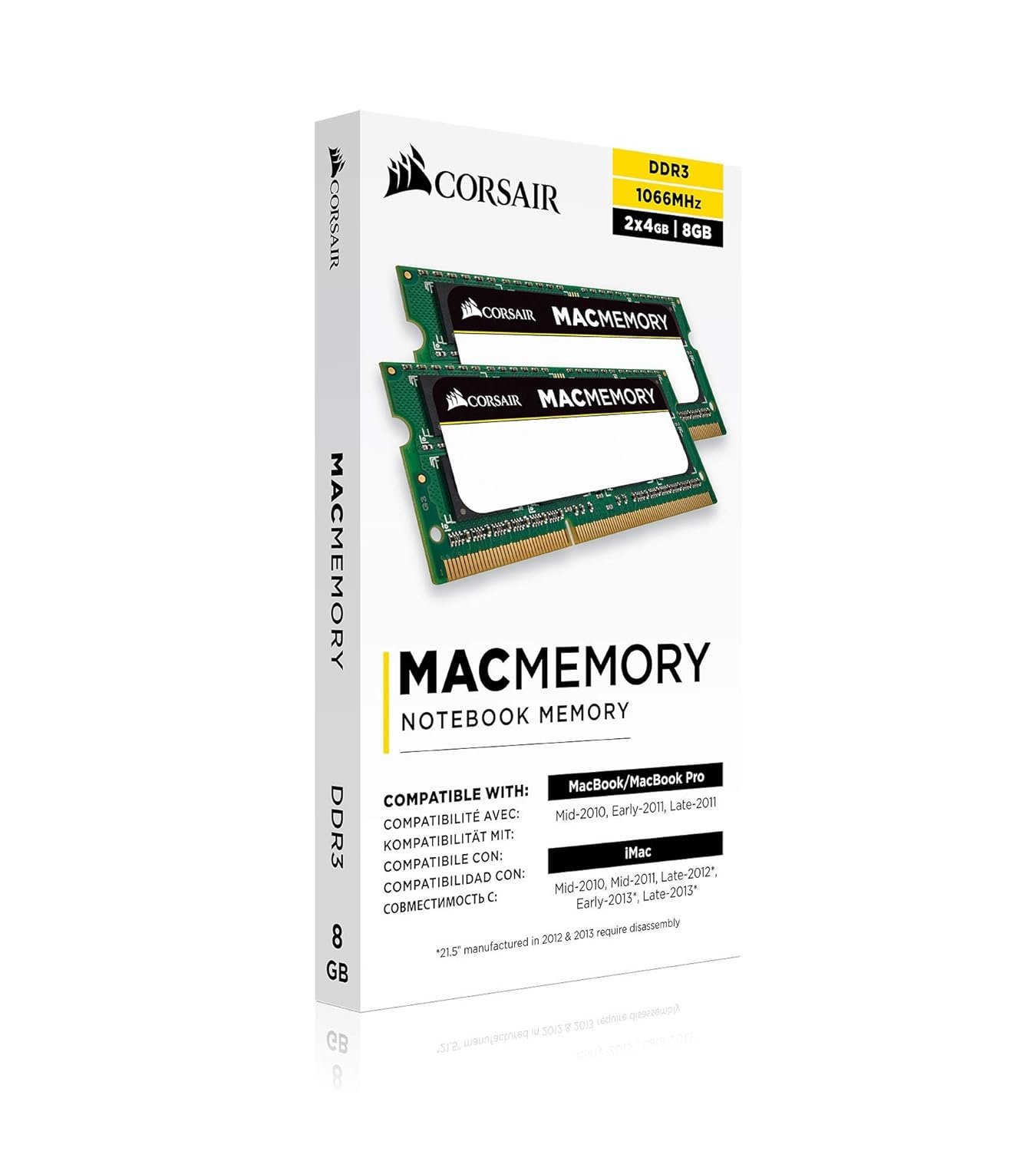
Technical Specifications 204-pin DDR3 SODIMMs 1.5 Volts Supports memory bus speeds of up to 1066 MHz 7-7-7-20 CAS timing
Tested at Apple Developer Compatibility Labs for Guaranteed Performance
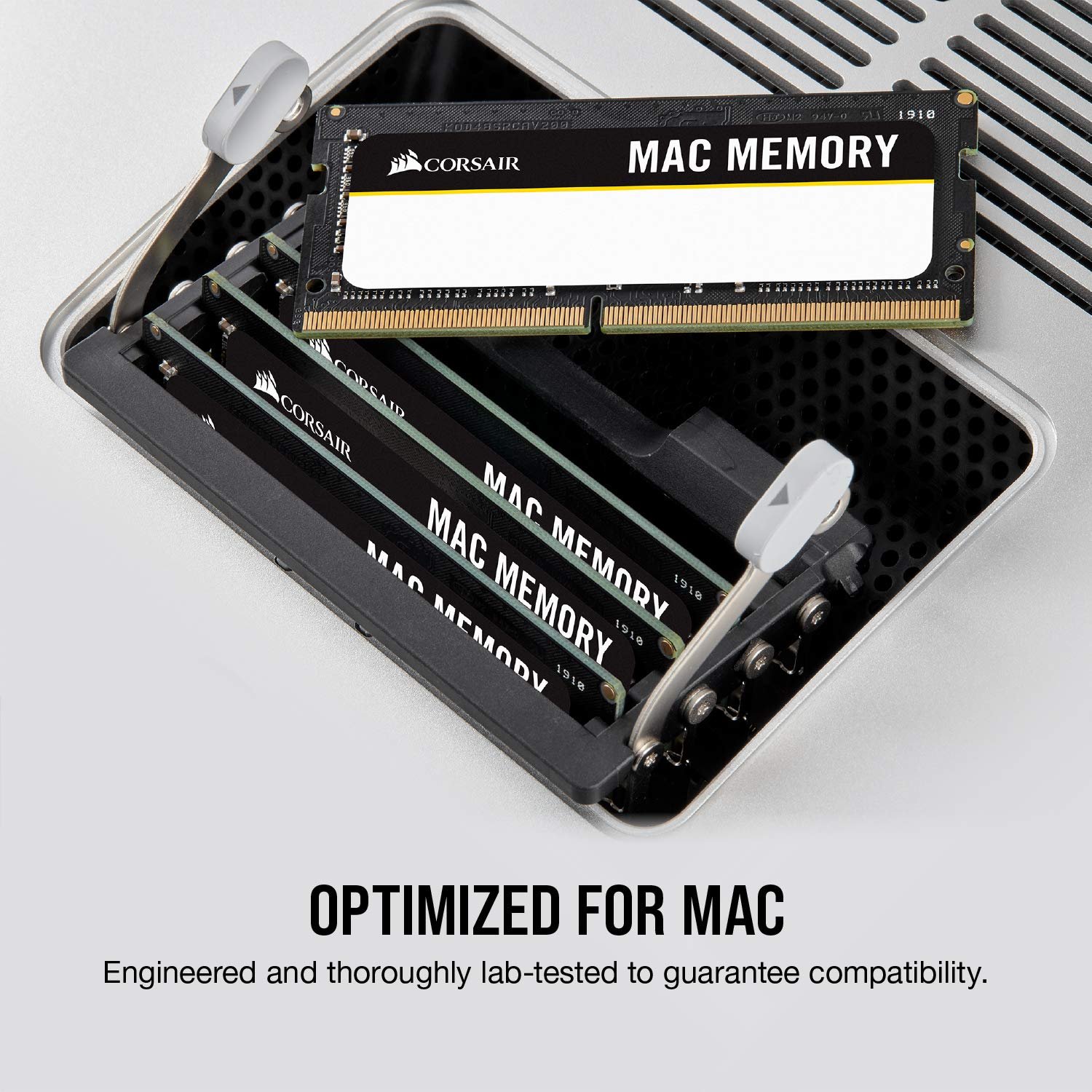
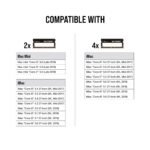
Corsair’s Mac memory kits are guaranteed to work with any Mac desktop or laptop that supports 4GB DDR3 SODIMMs, including iMac, Mac mini, MacBook, and MacBook Pro models. This includes virtually all models offered by Apple since 2009.
Not sure if your older Mac will work with 4GB DDR3 SODIMMs? Get in touch with us, and we’ll help.
Limited lifetime warranty, support and service
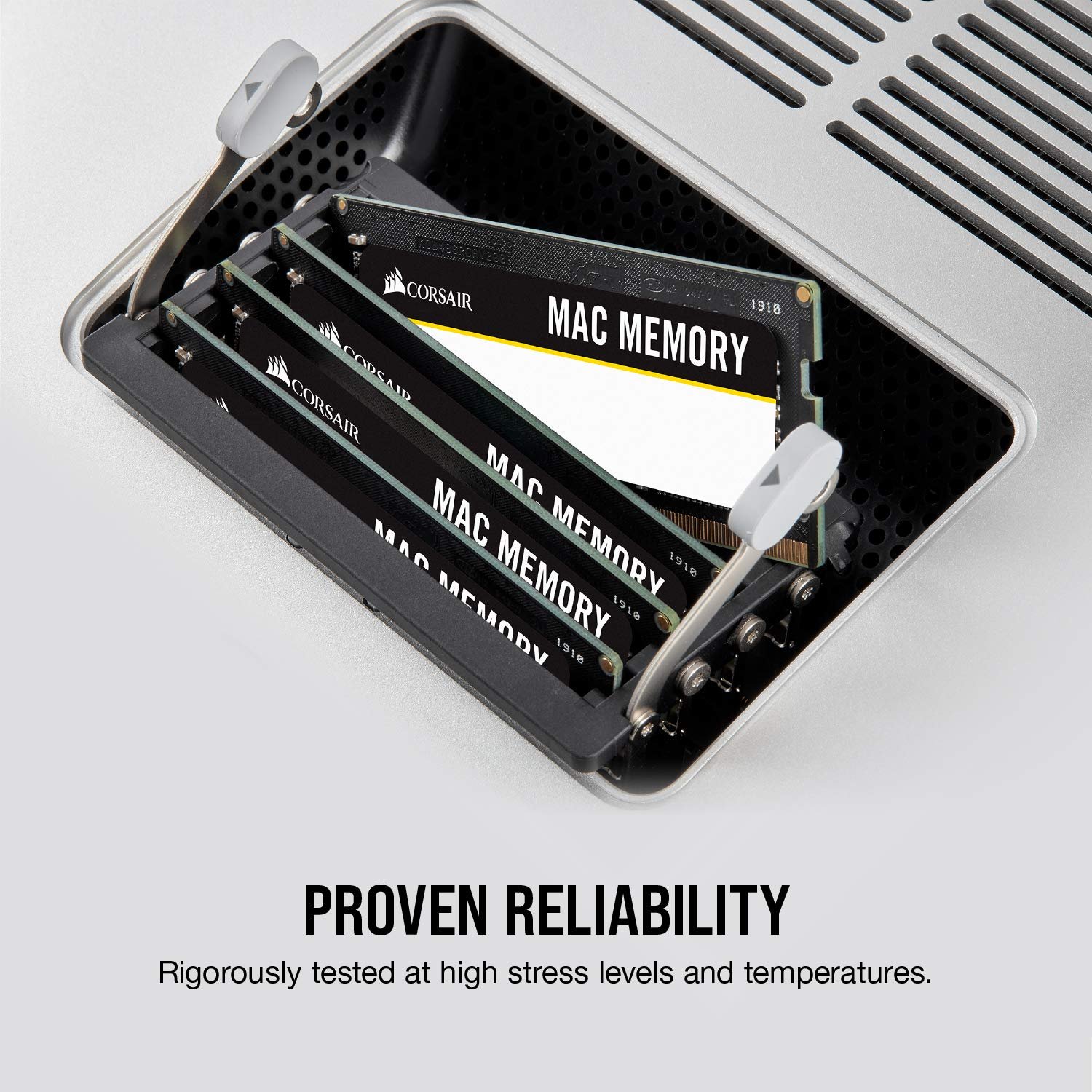
Corsair has been making high-performance memory for just about as long as high-performance memory has existed. Countless customers worldwide rely on Corsair for performance, reliability, and value. Our reputation is important to us, and that’s why all Corsair DRAM products are backed by a limited lifetime warranty. If you ever need help, we’re available by phone, email, and web forum.
Mac Memory allows users to maximize memory capacity and throughput to increase their systems performance
It is specifically designed for rock-solid stability in demanding digital media rich environments
Tested at apple developer compatibility labs for guaranteed performance
Mac memory upgrade kits will help your system work better
Compatibility labs and works with any Mac computer that supports 4GB DDR3 SODIMMs, including iMac, Mac mini, MacBook and MacBook Pro models
7-7-7-20 CAS timing
Supports memory bus speeds of up to 1066 MHz











Kiran Kumar –
Its really amazing performance. I was very much happy to have …
After installing Corsair CMSA8GX3M2A1066C7 8GB Dual Channel in Mac book pro early 2011. Its really amazing performance.I was very much happy to have this product upgrade into Macbook pro 2011 early with Mac OS X High Siera.Its took 15 – 20 min in order to build and run application X-Code -IOS simulator for mobile application in High Siera.Now after upgrade 8GB it took less then a minute.”Its not now a tortoise it is a rabbit” 100% recommended.
Naveen thomas –
Five Stars
Good product..product working excellently
MEHUL BHAVESH OZA –
Working Satisfactorily
The item is used in 2010 Pro Macbook and working satisfactory. Delivery was as committed.
MicroVB Inc. –
After trying to use some old laptop ram to upgrade my mac mini (2010 model), i found this is one of Apples’ products that is finicky when it comes to which parts you can use. While the ram slots are readily accessible by turning the base, the ram itself has generally not been very cheap at all.The price point of this ram, as a pair, made the upgrade much more reasonable (under $100) although still pricey for this generation of memory, having the certification as Apple memory made me feel a bit more comfortable about the 3rd party purchase, and being familiar with the Corsair brand.Overall, this was a good buy, from a stable brand, certified by Apple (which implies this stuff was tested on Apple product), and installed easily.The only reason I would consider not recommending this product is if you are planning to upgrade an older mac product for development as it turns out this mac-mini only supports up to El Capitan, and now that Mojave is out, pretty much everything is dated and can not be updated, so App Store submission with this particular model is no longer possible due to the requirement to be using the current version of Xcode in order to submit.Aside from that, the memory is stable, and as fast as PC3 8500 goes 😛
Jean Bal –
J’ai acheté ces barrettes pour mon Macbook Pro mid-2010 pour faire du montage vidéo dans de meilleures conditions. Le remplacement des 4g d’origine par ces 8g m’a pris moins de dix minutes. Le seul outil – indispensable – dont j’ai eu besoin a été un tournevis en croix taille 000. Pas besoin d’être un technicien, ou même un bricoleur, pour faire cet upgrade. De nombreuses vidéos vous expliquent comment opérer sur le Net.Faites toutefois attention à deux choses primordiales:1) Informez-vous sur le type de barrette RAM que vous pouvez monter sur votre ordi (chez Apple ces barrettes cadencées à 1066Mhz conviennent pour la plupart des portables jusqu’à 2011, après il faut des 1333Mhz voire plus). Regardez dans le menu Pomme, “A propos de ce Mac” pour voir quel type de RAM choisir. Si vous prenez de la mémoire trop rapide – ou trop lente – vous vous exposerez à des plantages à répétition, voire des refus de démarrage accompagnés de bips d’alerte.2) De même, vérifiez bien la quantité de RAM que vous pouvez ajouter. Sur un MB Pro de 2010, comme le mien, on ne peut en principe monter que 8g. Mais, si vous allez sur les forums dédiés aux Mac, vous découvrirez que beaucoup d’aficionados utilisent 16g sans aucun problème. Bref: le Net est votre ami, renseignez-vous!Allez, un conseil gratuit pour la route: ne prêtez aucune attention aux “experts” qui vous recommanderons de n’utiliser que de la RAM estampillée Apple ou Tartempion, 6 fois plus chère qui est, de toute façon, fabriquée en Asie. Corsair est aujourd’hui une société taïwanaise réputée.Et elle garantit ses DDRAM à vie.
ski-ma –
macに装着して普通に使用しています前よりは快適になりました。
Alan Santiago –
Recibí el emppaque en perfectas condiciones y son muy fáciles de instalar en un iMac Late 2009. Hubo una ligera mejora en el desempeño de arranque (15segundos menos) y en general la fuidez del equipo mejoró aunque no de forma significativa. Aclaro que sigo trabajando con el HDD original, lo cual posiblemente repercute a la hora de sacar el máximo beneficio a las memorias Corsair.
NetworkWraith –
I have used lots of Memory modules over the years, and Corsair has come to be one of my top choices when making a purchase. I recently obtained the Corsair [Apple Approved] 8GB Dual Channel DDR3 1066 PC3-8500 DDR3 Memory for my Macbook Pro 13″ (Late 2009 – 2010 model). The memory itself worked on boot up no issues, and as far as the installation on the macbook pro, its not so bad. Granted the install is a lot different than that of the white MacBooks, but it is still pretty simple. All that is required is a small screwdriver and some patience. There are many tutorials on how to do this on Youtube, pretty much its as simple as removing 10 little screws (I would highly recommend keeping them in order, as at least 3 of the screws are longer and must go back in specific holes) and having somewhere to place them safe so they don’t fall or get lost. ** Of course as always due care is required when touching or changing components inside your computer, things like a simple static charge on your fingers can be an issue (like when you rub your socks on the ground and shock your friend… not so funny with a computer) **One thing that I noticed while installing my memory, is that the memory type required by the macbook pro changed sometime between 2010 and 2011 so you may want to verify your memory type in “System Profiler” which can be found in your Utility Folder on your Mac. That will usually tell you how much memory you have and what type (i.e. DDR3 1066, or some other type). If you need to know your maximum allowable/recognizable memory, I would recommend searching your model number on Apples Support page.As to system speed improvements going from 4GB to 8GB of memory, I have noticed that my multi-tasking does not slow my computer down as much, and some programs seem to work a little bit better with the extra memory.MacBook Pro 13″2.53Ghz Intel Core 2 Duo8GB 1067 MHz DDR3 (The RAM I purchased and took out of my laptop was “1066”, but the OSx calls it “1067” not sure why)Lion OSx