



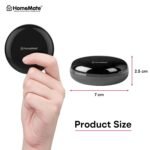







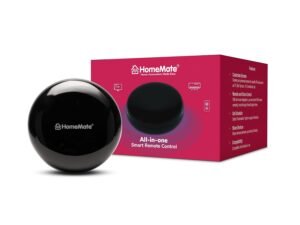
HomeMate® Wi-Fi Smart IR Control Hub (Pack of 1) | Smart Air Conditioner Remote | Compatible With Alexa, Google Home | All In One Infrared Remote For Smart Home | Black
Original price was: ₹3,990.00.₹94.00Current price is: ₹94.00.
Price: ₹3,990 - ₹94.00
(as of Nov 25, 2025 13:33:40 UTC – Details)
Product Description
Is the IR Control Hub compatible with all types of remotes?
The IR Control Hub is compatible only with IR (Infrared) remotes. It is not compatible with BLE (Bluetooth Low Energy) remotes, RF (Radio Frequency) remotes, or other protocol-based remotes. Ensure your device uses IR technology before pairing.
Is the IR Control Hub compatible with Alexa and Google Home?
Yes, it is fully compatible with Alexa and Google Home. You can use voice commands to control your devices after linking the IR Control Hub with your preferred voice assistant.
Is it possible to control every device individually with this smart IR hub?
Yes, you can control every device individually using this Smart IR hub either by voice command or using the remote app from your smartphone.
What if my device is not listed in the app?
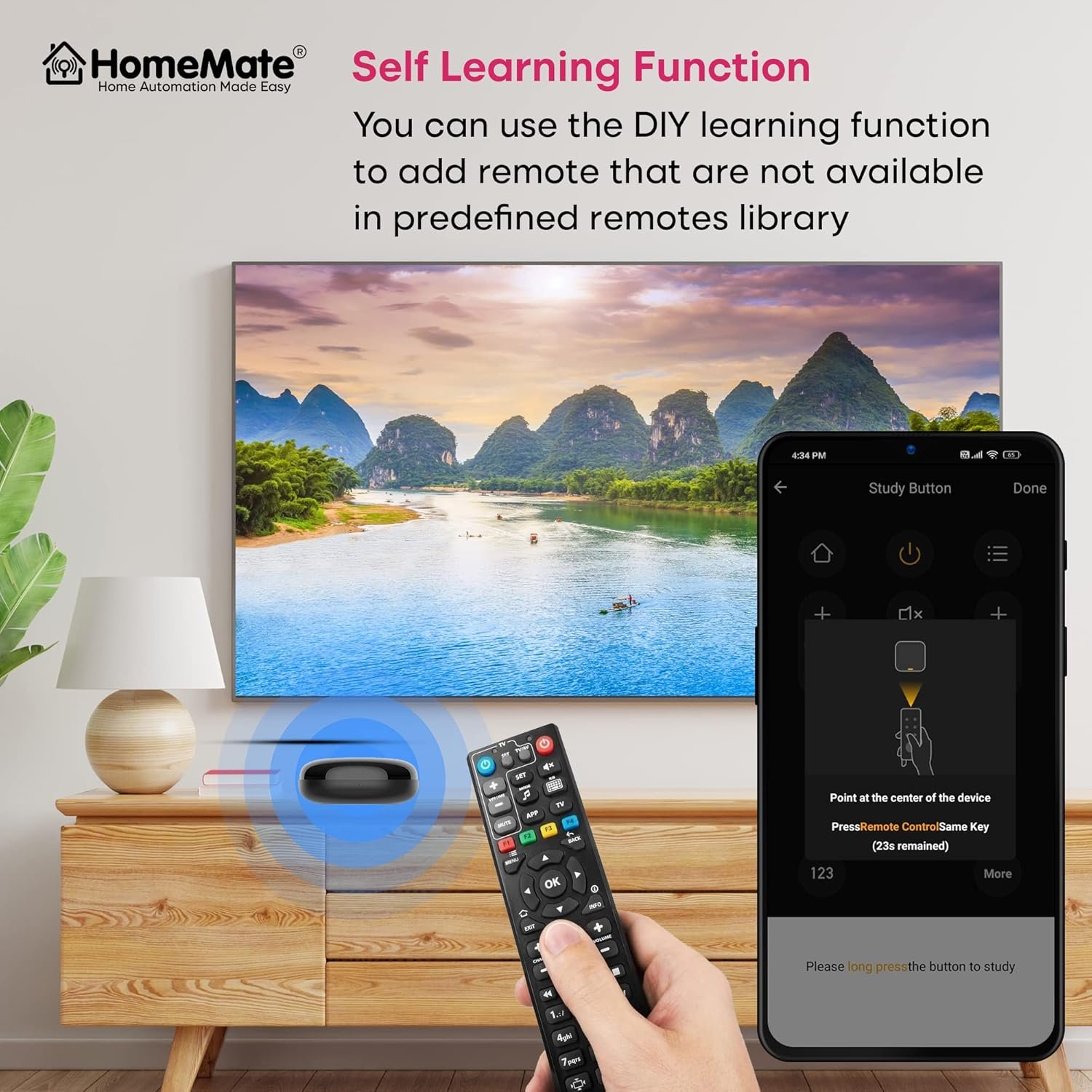
If your device is not listed, you can use the manual learning feature in the HomeMate Smartapp to capture the IR signals from your existing remote control.
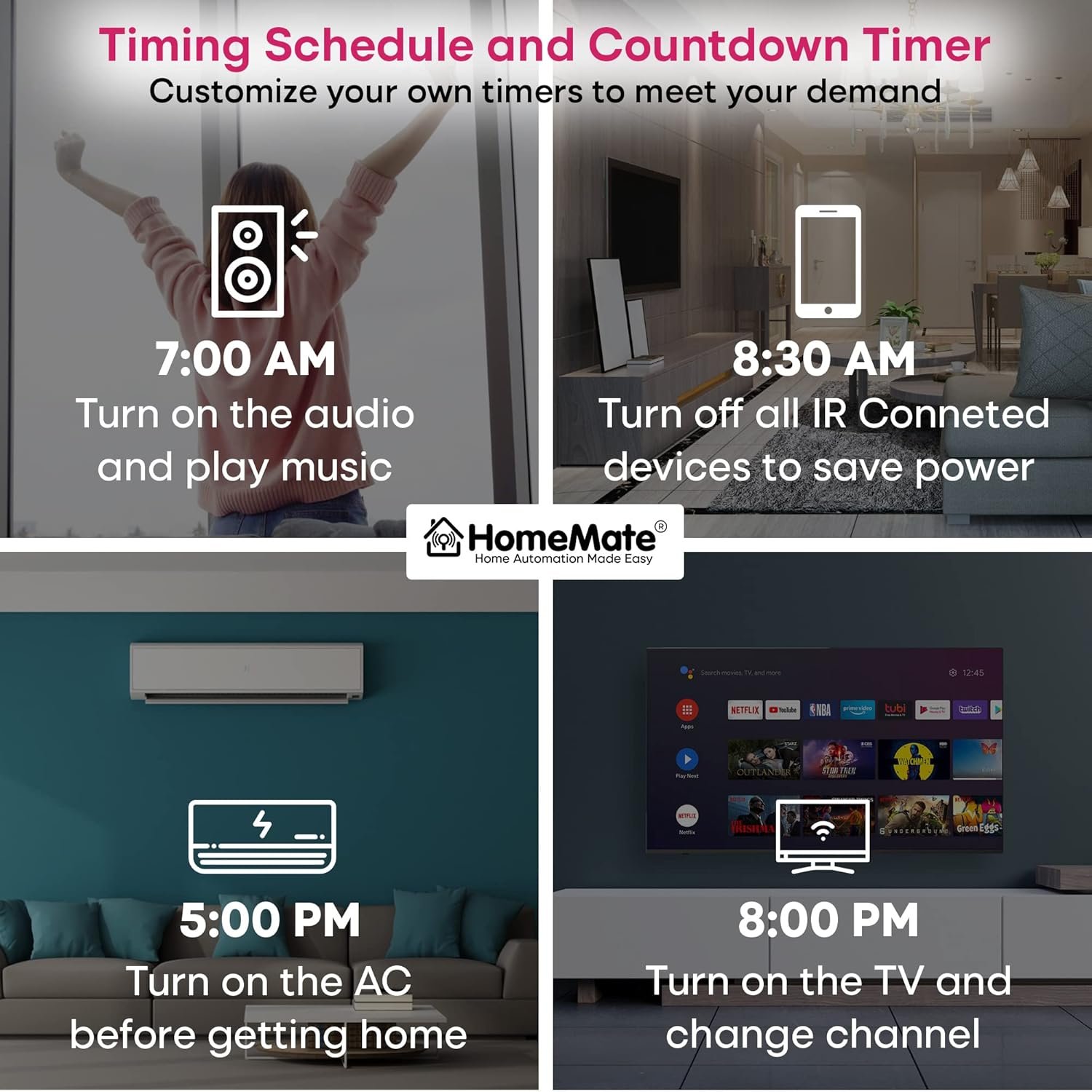
Smart Air Conditioner Controller : Your Air Conditioning Partner. You can say, “Alexa, turn on/off Air Conditioning, turn up/down temperature, set temperature to (value)” etc. You can set the comfort temperature by smartphone before you go home. Enjoy it all when you get home.
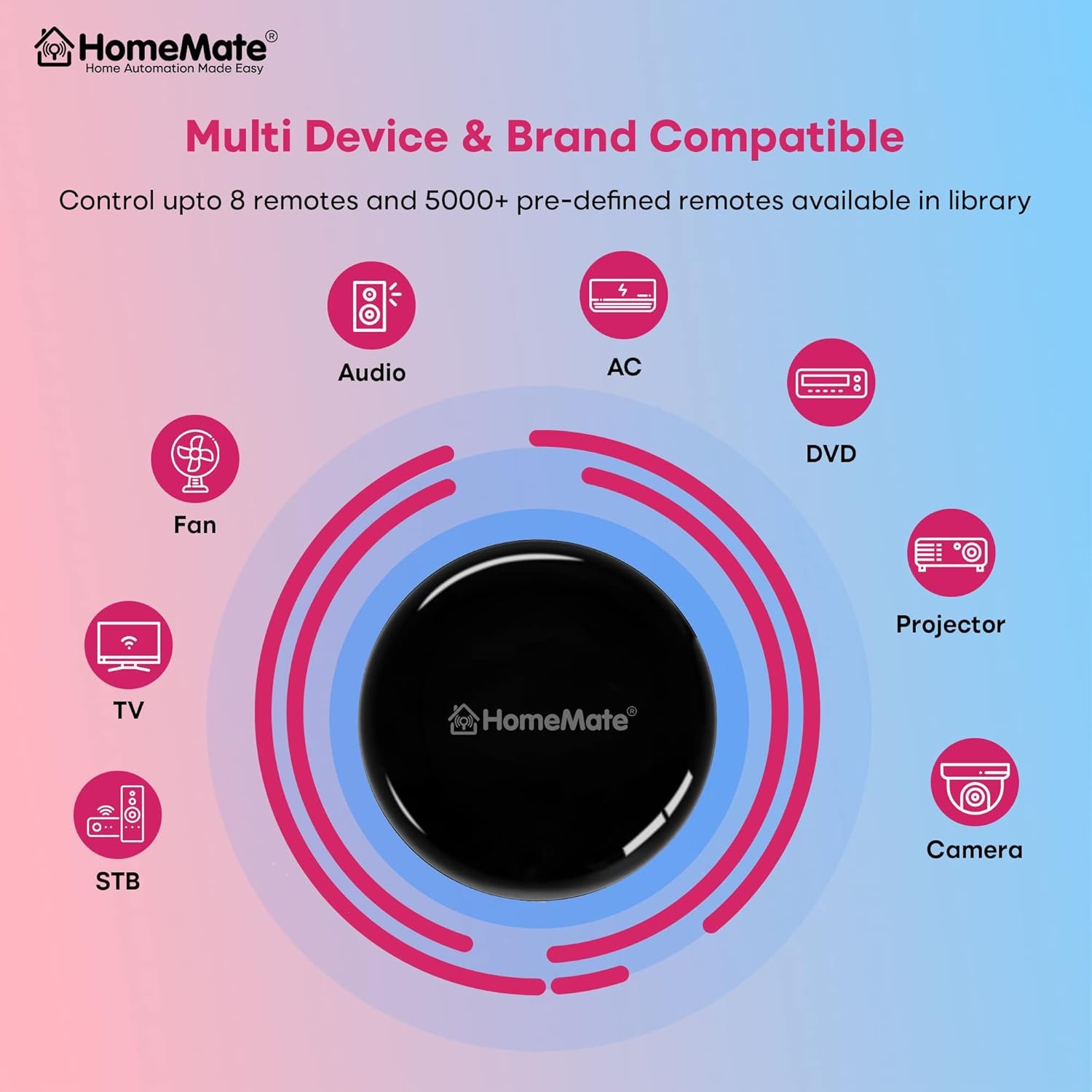
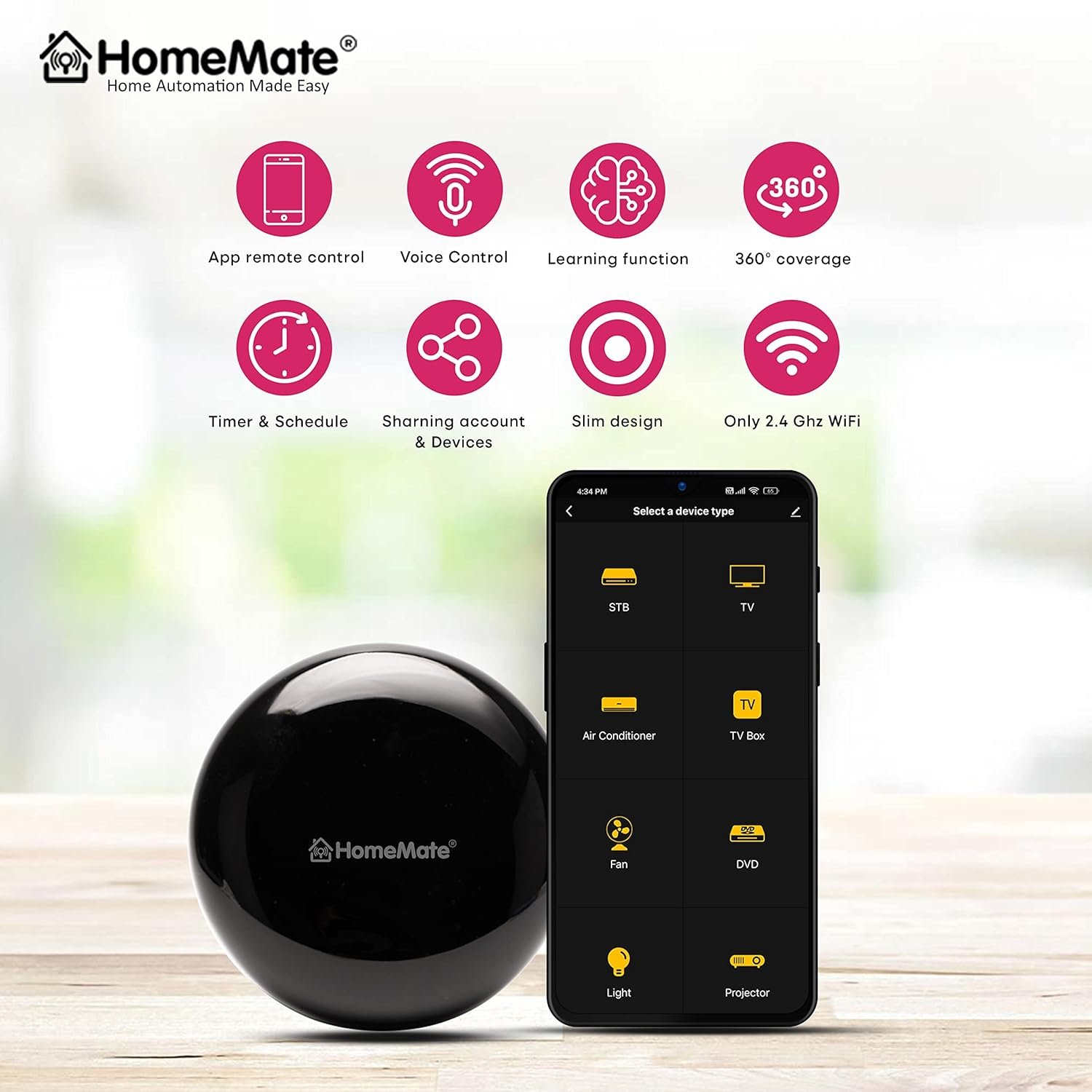
Smartphone app Control : HomeMate Smart IR can replace most of the traditional remote controls in your home. Supports 80,000+ IR (IR only, not RF) controlled devices. Integrate almost all infrared remotes to your smartphone. Control your home’s devices from your smartphone anytime, anywhere, safe and efficient. Compatible with Android and IOS.
Interesting DIY : Control the devices you want by simply learning the functions of the original remote, such as heater, ceiling fans, LEDs and all infrared remote control devices. Only support infrared remote is not RF remote. DIY controlled devices only support smartphones and are not compatible with Alexa, google home.
Work With Alexa, Google Home : IR Alexa, Google Home IR remote. Work With Amazon Alexa, Google Assistant and Siri easily control Air Conditioners, TVs, and Fans. Support smart home scene automation, enjoy your smart life. HomeMate Smart IR will open your Smart Life.
If blue LED is not shown, please make sure the power cable is inserted in the device properly in mini USB port present at the bottom of device
Note : HomeMate Smart IR device is based on IR technology and does not support RF, Bluetooth and other protocol based remotes.
Customers say
Customers find the remote control easy to use and setup, with good Alexa integration and voice control capabilities, making it an indispensable addition to smart home setups. The functionality receives mixed feedback – while it works flawlessly with Alexa, some report it doesn’t work half the time. Moreover, the control capability and value for money also get mixed reviews, with some finding it great for budget-friendly smart automation while others say it’s not worth the money.







Raj M –
Exceptional Smart IR Control Hub, with Minor Connectivity Glitches
The HomeMate Wi-Fi Smart IR Control Hub is an absolute game-changer for home automation! Its compatibility with Alexa, Google Home, and its ability to serve as an all-in-one infrared remote make it an indispensable addition to any smart home setup. Most of the time, it operates flawlessly, allowing me to effortlessly control my air conditioner and other infrared devices. However, I have noticed occasional connectivity glitches where it loses connection temporarily. Despite this minor inconvenience, the convenience and functionality it offers far outweigh this issue. Highly recommended for anyone looking to upgrade their home automation system!
Sagnik –
Absolutely terrible for my Air Conditioners
I mainly wanted to use an IR remote to control my ACs because my original remote stopped working and I was looking for a handsfree way to control my ACs. I previously tried the Zebronics IR Remote which worked fine with the SmartLife app as well as the ZebHome app but I just couldn’t get the Alexa to work with it so I returned it and got the HomeMate IR remote owing to its generally good reviews. But unfortunately this remote is a worse version of the Zebronics one. It not only did not work with Alexa but even the software inbuilt the IR is broken. When I added my AC remote to the homemate app the on/off button only turned the ac on and pressing the same button would not turn it off unless I exited the app and reopened it. Several times the software just does not respond. I don’t know how it works with other devices like TV and stuff but god it seriously is in need of a good firmware update by the company if they care. I even ordered a replacement but the second one also had the same problems.Eventually I parted ways and got a refund for it. I finally decided to try the Broadlink IR Remote and my god it is so much better than the others. It has a clean app, its software is stable, it even works great with Alexa. The only shortcoming that I should warn people is that it does not have a learning feature to add custom buttons to your remotes.
Guruprasath S. –
Good idea but suitable for a user with simple requirements
I had a good use case to combine all IR remotes of 2 remote operated basic Atomberg fans, VU smart TV, Tata Play Binge+, Zebronics sound bar in my living room. I ordered this product and this is what I could / couldn’t do.Pros:1. Seamless connection to Alexa through Smart Home App2. Readymade templates of all the above devices for quick and easy config.3. Could control above devices for powering on and off individually using voice commands and remote app from phone4. Works fine with LG AC incl. turn on/off, changing temperature (how many times we do?)5. Works from 10-12 distance easilyCons:1. Fan – Remote turns on both Atomberg fans in the living room as they share same remote control2. TV, TATA PLAY Binge+: You cannot go to home page or select a specific app (Hotstar, Netflix etc. ) using voice command so need the the TV remote or mobile app. However, I could change channel in Tata Play3. Many times I had to use the dedicated remote or mobile app for performing certain tasks like selecting home page, switching between apps etc. (in my view we do these more than turning on TV, STB). I tried things like “Alexa, play hotstar on myTV” ….a big NO if you are looking for such things.4. If you wish to use use Amert Home remote app you have to unlock the phone every time where as a normal TV user juggles the buttons on remote :)Final opinion:It is a very good product if you want to do general tasks like turn or off a device (1 fan, 1 AC, 1 TV/STB in a room). More than commands through voice or smart home remote app, I observed that I equally used all remotes.
Vignesh V S –
Best product ever
The product changed my normal room to smart room with automation. I love this product.
Sahithi Reddy –
Great Idea but Bad Product.
Great Idea but Bad Product.QC is bad, Many Lights inside not working.After adding all remote buttons for 1 Device, if I purchase another device, need to do complete procedure again.
Nitesh –
Alexa Integration steps
If anyone at Homemate reads this, they should thank me as below review will avoid over 90 percent of product returns..As can be understood in numerous reviews on various sites, IR devices work fine via the appcbut alexa/google integration doesn’t work or so it seems..This is actually a design flaw with both Alexa and home mate. I can confirm that alexa integration works flawlessly..Steps as below :Part one1. Open homemate smart app and add the required remotes for eg TV/AC etc2. Open alexa app and add the homemate smart skill. It automatically opens homemate smart app and links the IR blaster3. Remotes liked to IR blaster get added as virtual devices in the Alexa app.4. Now when you aay “Alexa, turn on AC” it doesn’t work as its trying to turn on a virtual device that doesn’t have any smart functionality.Part 21. On the homemate smart app, open the Scenes Tab add add a tap to run scene2. Open App – – > Automation – – > Tap to run3. In the “Then” condition select the device remote and choose the power on option.(for eg. Air Conditioner)4. Name the scene as “AC ON”5. As soon as you save the scene alexa will respond saying that a new scene named “AC ON” has been added.6. Finally now to turn if the AC you actually turn on the Scene saying, “Alexa turn on AC ON”.7. The ac turns ON flawlessly every time.8. Create a similar Scene named “AC OFF”. HOWEVER TO USE it you must say, “Alexa, TURN ON AC OFF”Remember, You are turning “on” the scene which in turn is actually sending thr IR signal that turnsnoff the AC.ENJOI.. Cheers..
DarkCoderX –
Does not worth the money and poor technology ir range.
I used to have oakter Ir blaster and after 4 years it stopped working so i bought this ir blaster from homemate and it sucks. I use ir blaster every day in my life to control ac using alexa so i had to purchase one ir blaster. This is very poor ir blaster and my atomberg fan is not working with it and alexa is barely able to work with this ir blaster. Waste of money. Does not worth the money.