

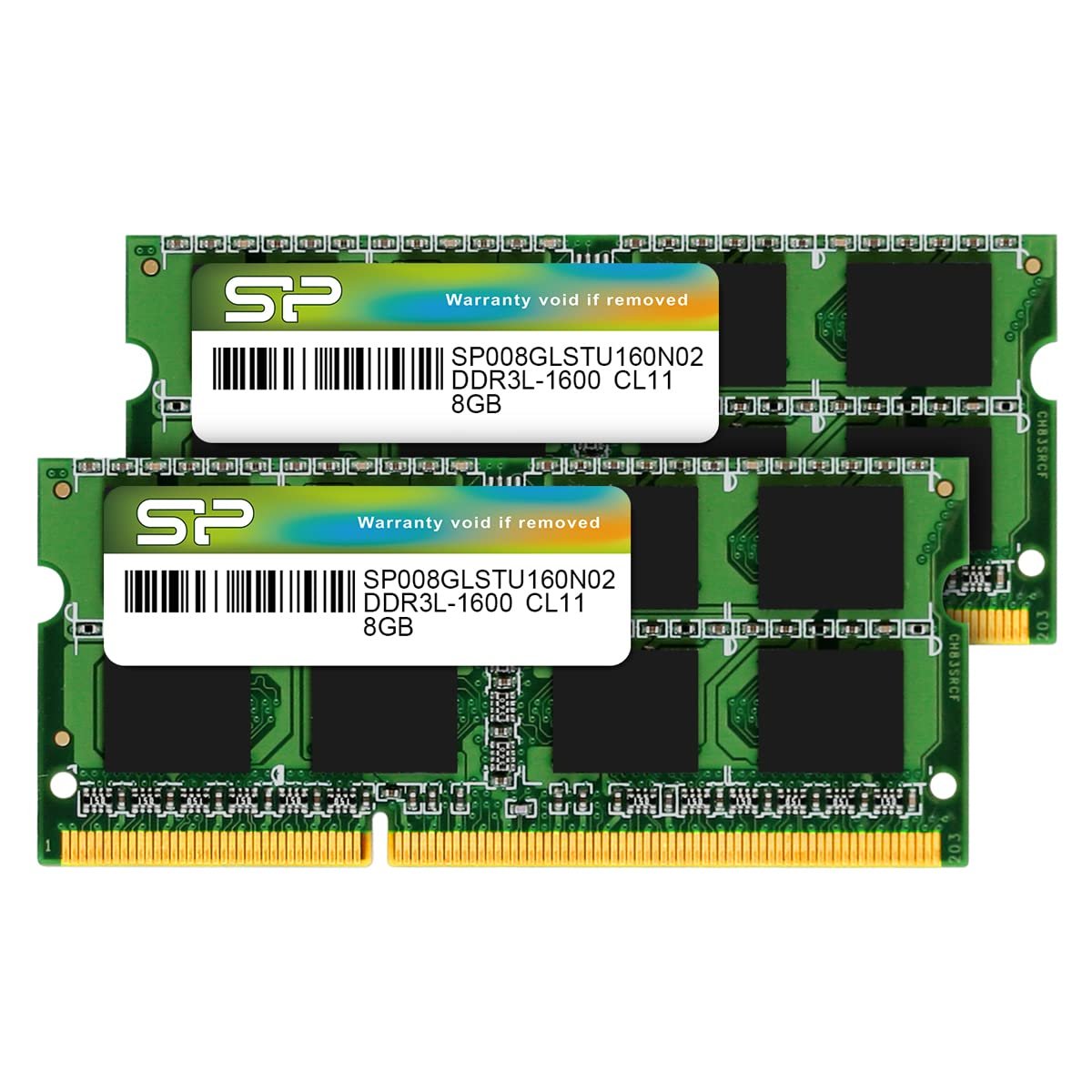
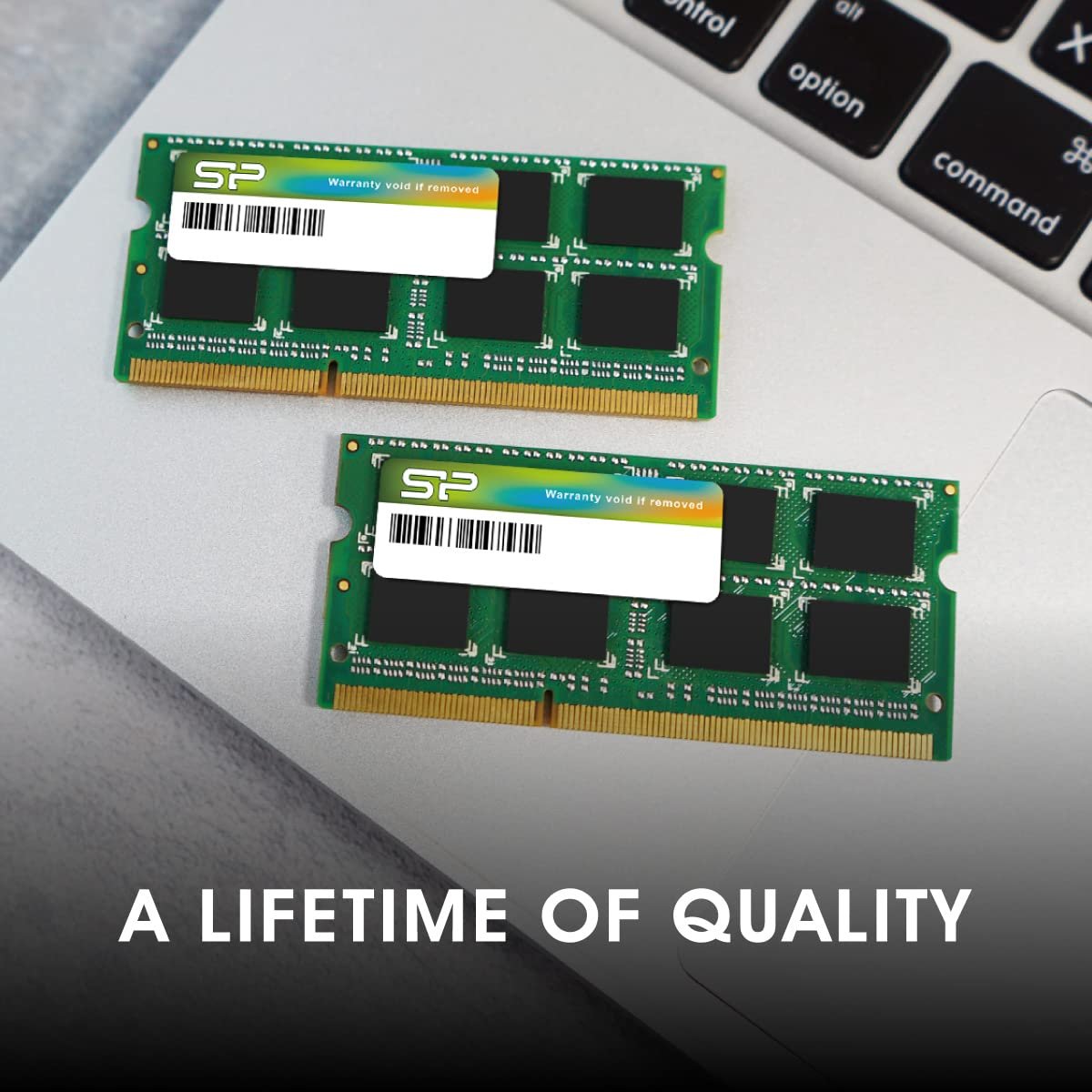



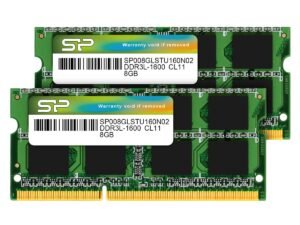
SP Silicon Power 16GB (2 x 8GB) DDR3L-1600MHz (PC3 12800) 204-pin CL11 1.35V SODIMM Laptop Memory Module – Low Voltage and Power Saving
Original price was: ₹5,426.00.₹2,444.00Current price is: ₹2,444.00.
Price: ₹5,426 - ₹2,444.00
(as of Nov 27, 2025 11:16:38 UTC – Details)
From the brand
Founded in 2003 by a group of enthusiastic data storage industry experts, Silicon Power is committed to delivering outstanding product and service quality. Headquartered and with our own state-of-the-art production site in Taipei, we have become a leading manufacturer of flash memory cards, USB flash drives, portable hard drives, solid state drives, DRAM modules and industrial-grade products.
Shop Silicon Power SSDs
Our Mission
We produce intelligent solutions for today’s digitally-centered world to safeguard people’s information and enrich their digital lives. With a focus on combining innovative technology with award-winning designs, we promise to preserve and protect your valuable data. Why? Because memory is personal.
Our Responsibility
We believe in consistent quality improvement through strict quality control. In 2009 we received ISO9001 certification and have implemented stringent quality management processes as the foundation for sustainable development and business growth.
1600MHz (PC3 12800) 204-pin CL11 SODIMM for laptop memory
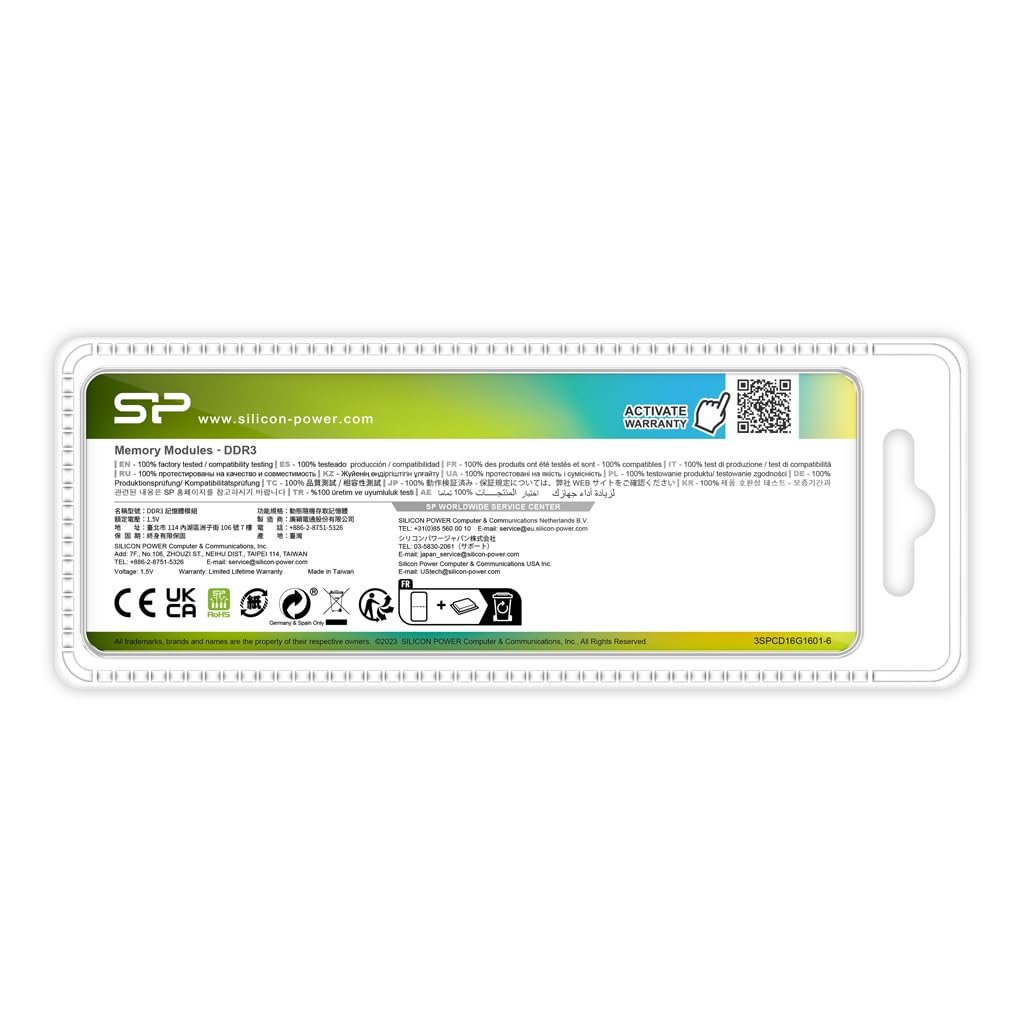
Runs at low voltage of 1.35V that enables to effectively decrease hardware power consumption.
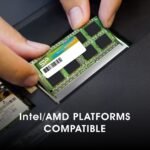
Compatible with MacBook Pro13-inch/15-inch Mid 2012, iMac 21.5-inch Late 2012/ Early/Late 2013
Hynix IC high quality memory module.
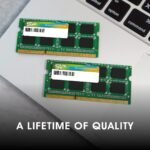
Backed by a lifetime warranty to promise complete services and technical support.
Customers say
Customers find the RAM memory module works well and offers good value for money. They appreciate its quality and ease of installation, with one customer noting it’s very easy to replace. The memory speed improves with its addition. Compatibility receives mixed feedback – while it works well with HP G4 laptops, some customers report it’s not suitable for HP Envy models.

K.K. –
Brilliant product and very good service response
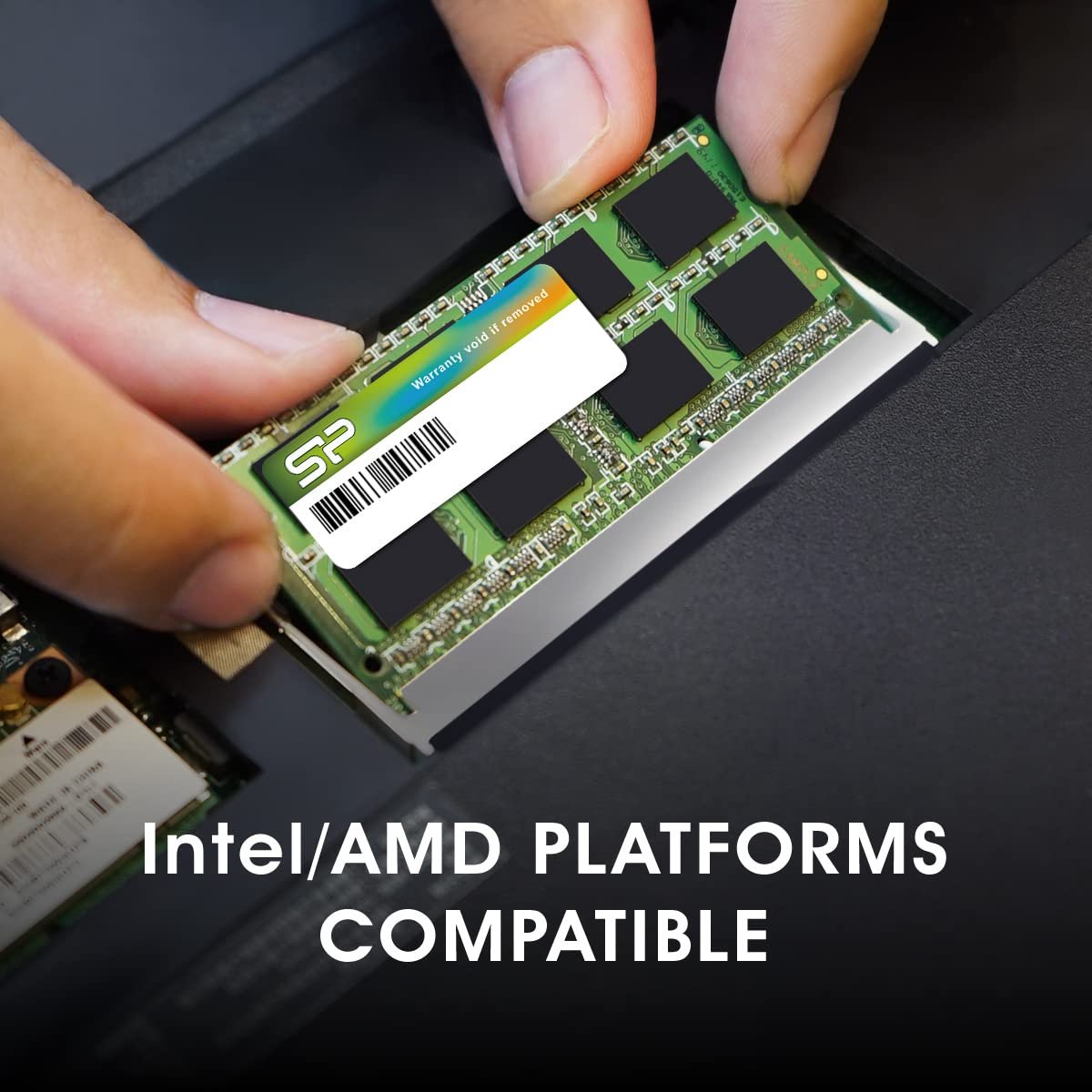
1. Speed : working as written in the product configuration. Task manager shoes 1600 MHz SODIMM factor. Checked the performance via Chrome, some 2000s game , it is good2. Ease of installation: I had to replace it in Dell 3521 Inspiron (bought in 2013) after additional 4 GB simmtronics DDR3 1600MHz RAM. So there is a slot already and it’s very easy to replace the RAM3. Service: the customer care was prompt in replying to my queries (even before buying) regarding which RAM will be best fory Laptop. They further suggested a Low voltage (1.35V instead of 1.5V) will be better in terms of performance4. Warranty: theere is a LIFETIME warranty on the product
S108 –
Best quality RAM for old laptops
One of the best quality RAM available for laptops which needs DDR3L.Only time will say about reliability and service support.This is one of best chips available online and am happy with the purchase.You can trust this brand and it’s worth the price.If your laptop supports 8gb RAM in a single slot then its cost effective and makes sense.Make sure to check the laptop manual before purchasing single 8GB DDR3L.
vijay –
Works absolutely nice
It was very easily installed and was recognised my my laptop 😀
Placeholder –
Good product.
Working fine.
KM –
Good Genuine Product
Working as per requirement, Value for money.
AUROVINDA SAHOO –
Excellent Ram DDR3L
A great choice on this price Range 😊Best Ram Ever SP SILICON POWER 💗
SAJITH SASIDHARAN –
Working perfectly
Replaced the 8 gb Ram on my dell Inspiron 17 5748 laptop and it is working perfectly. It was easy to replace and perfectly fit in the slot.
Raja Achudhan –
Compatible with HP G4 laptop , AMD A4
Thank you, This DDR3L RAM is Compatible with HP G4 series , AMD A4 processor, and works well with my Laptop,
Antony Livilan –
Working good
Walid. –
Very good till ow
J Grant –
This Review is For:Silicon Power Hynix IC Compatible for Apple DDR3 DDR3L 16GB (2x8GB) RAM 1600MHz (PC3 12800) 204 pin CL11 1.35V Non ECC Unbuffered SODIMM Laptop Notebook Memory RAM Module UpgradeBy: SP Silicon Power Store============================================First — I posted a question above on these modules regarding whether they are compatible with my ‘HP Probook 650 G1’, and asking for clarification as to whether these modules are DDR3L or the older DDR3. — The vendor and several others responded that they are DDR3L and are compatible with my laptop. Many thanks to all of you for taking the time to respond.My old ‘HP Probook 650 G1’ laptop had two 4MB modules installed, which just meets the MINIMUM memory requirements for Windows 10 Pro 64-bit. And before the upgrade, Task Manager showed the previous 8MB of installed memory was often fully utilized. The laptop is still going strong and for my needs was pretty snappy, but I wanted to upgrade the memory before a big Photoshop project, and while appropriate memory modules are widely available. So I ordered this inexpensive plug & play 16GB kit, which was received two days later.Although not a remarkable transformation, this upgrade of two 8MB modules provided a noticeable increase in responsiveness. And I’m confident it will make my upcoming Photoshop project much more enjoyable. I liked the upgrade enough that I’ll be ordering another 16MB kit for a second laptop that has (mismatched) 8MB and 4MB memory modules installed.It was a fast and easy install for my laptop, which instantly recognized the change on the next boot.Excellent price, fast shipping and easy upgrade – Doesn’t get better than that!=============Clarification: DDR3 vs. DDR3LOne person responded to my posted questions stating that DDR3 and DDR3L memory modules are interchangeable, so it doesn’t matter. But my Google results indicate they are only interchangeable on older motherboards that deliver 1.5v to the memory slots designed for DDR3. That’s because DDR3 memory modules are meant to run on 1.5v while DDR3L are backwards compatible (dual voltage), so can run on 1.35v or 1.5v. (The ‘L’ in DDR3L represents Low Voltage.)The possible danger: Motherboards designed for DDR3L modules deliver 1.35v to the memory slots. That means a DDR3 module (designed to run on 1.5v) inserted into a DDR3L slot (supplying only 1.35v for the expected DDR3L modules) will be ‘voltage-starved’ and may become unstable or worse. – Although, I did read one post saying they had done so with no negative repercussions.MY SEARCH RESULTSA. Modules & Slots Visually IdenticalDDR3 and DDR3L memory modules are visually identical. The only difference is the voltage(s) they are designed to run on. Likewise, the physical memory slots they fit in are identical.B. Slot VoltagesMotherboards supporting DDR3-style memory modules might supply 1.5v to the the memory slots to support the original DDR3 modules. OR, they might supply 1.35v to the memory slots to support the newer Low-voltage DDR3L modules. Check your motherboard specifications to be sure.C. Memory Module Voltages- DDR3 modules (1.5v only) should not be installed in a DDR3L slot (1.35v) – because they will receive less than the voltage they were designed for.- DDR3L modules (dual voltage) can be installed in a DDR3L Slot (1.35v) or in a DDR3 Slot (1.5v) – because they are backwards compatible and can use either voltage.—————————————————–BOTTOM LINE – MATCHING MEMORY SLOTS TO MEMORY MODULES—————————————————–DDR3 modules run on 1.5v only.DDR3L modules are dual voltage and will run on either 1.35v or 1.5v.* 1) DDR3 Slot (1.5v) – both DDR3 and DDR3L will work.* 2) DDR3L Slot (1.35v) – only DDR3L will work.—————————————————–There’s also the issue of whether you can mix DDR3 and DDR3L memory modules on motherboards supplying 1.5v to the memory slots (designed for DDR3 modules). Several people thought it not advisable as the immediate, short-term and long-term effects were unknown to them. I also grazed info from vendors and on tech sites that simply stated the modules are not compatible. It’s unclear if they were referring to voltage issues described above, or maybe pairing issues. Ultimately I found no definitive answer as to mixing the two types of modules.My Personal Take-AwayFirst, determine the type of memory the motherboard is designed for, and then follow the two starred points above. And to avoid having to chase down (possibly intermittent) compatibility issues later on, try not to mix DDR3 and DDR3L. But that’s just me.You should do your own research and use your own judgement. You’ll likely find some interesting info and LOTS of opinions. To get started, you might use the following search terms: (“DDR3” “DDR3L” “compatible”)
khajik khajo –
As expected works great
Aurélie PLASSE –
Fonctionne parfaitement sur un PC portable Sony Vaio de 2012